Full comparison table
Scroll horizontally on small screens. Legend is below the table.
| # | Device | UI / UX notes | Open source | Bitcoin-only | BIP39 & passphrase | Air-gap / PSBT | Secure element | Typical user | Pros & cons | My thoughts |
|---|---|---|---|---|---|---|---|---|---|---|
| 1 |
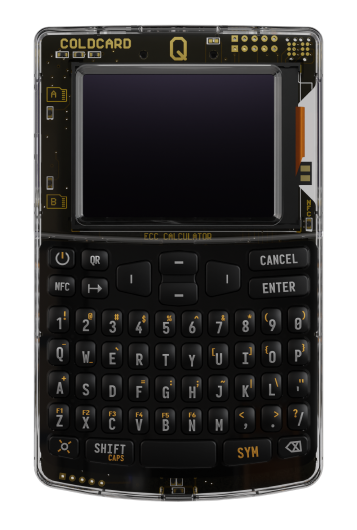
Coldcard Q
Overall: ★★★★★
Videos →
|
Full button keyboard and large screen make it easy to navigate. Detailed information screens before doing anything help self-guide the user. |
Firmware open | Yes | Yes | Micro SD / QR | Secure hardware | Users who want maximum security and functionality | ||
| 2 |
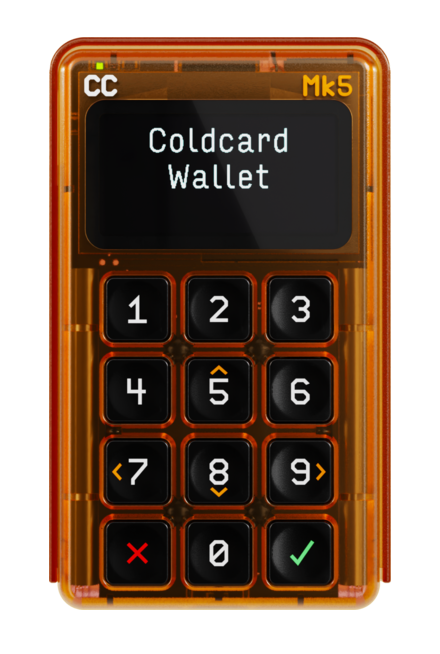
Coldcard Mk5
Overall: ★★★★☆
|
Strong power-user flow with broad advanced options and clear confirmations. | Firmware open | Yes | Yes | Micro SD | Secure hardware | Advanced holders, multisig, vault setups | - | |
| 3 |
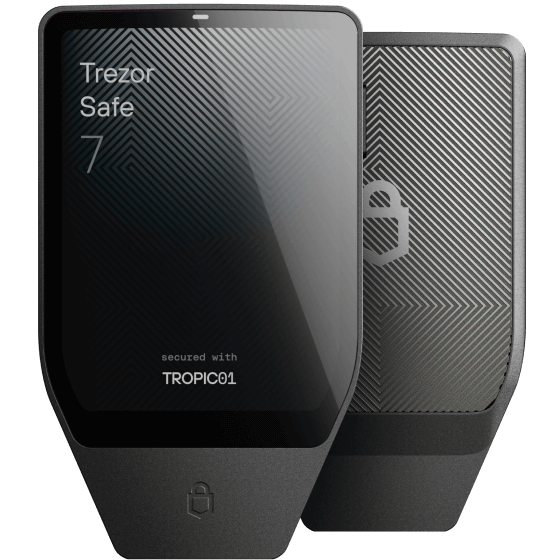
Trezor Safe 7
Overall: ★★★★☆
Videos →
|
Larger-screen guided flow that is easier to verify step by step. | Firmware open | Optional* | Yes | No - USB and Bluetooth only | Secure element (open source chip) | Users who are familiar with Trezor and want an open source chip | ||
| 4 |
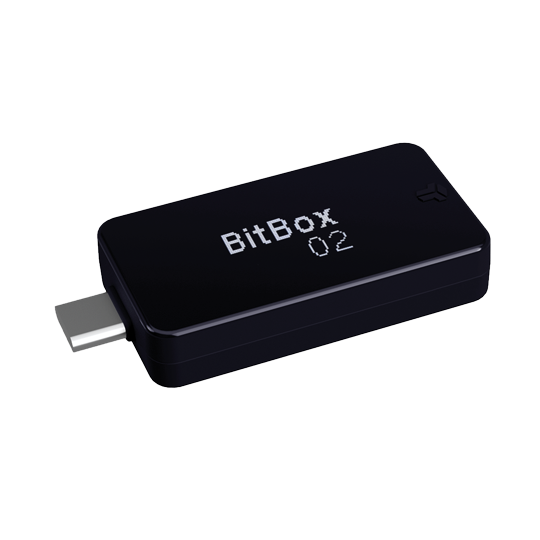
BitBox02
Overall: ★★★☆☆
Videos →
|
Simple wallet that works, but has its pain points in navigation | Open firmware | Optional* | Yes | No - USB only | Secure chip | Users that like the form factor and are okay with the things it lacks | ||
| 5 |
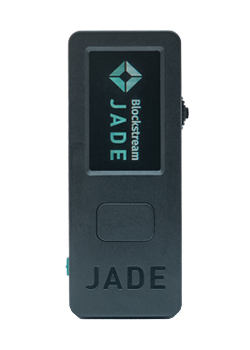
Blockstream Jade
Overall: ★★☆☆☆
Videos →
|
Difficult navigation, buggy blind oracle system and many other issues | Firmware open | Yes | Yes | Bluetooth / USBAir-gap; finicky to set up | Blind oracle with no Secure element | Cost-conscious Bitcoin-only users | ||
| 6 |
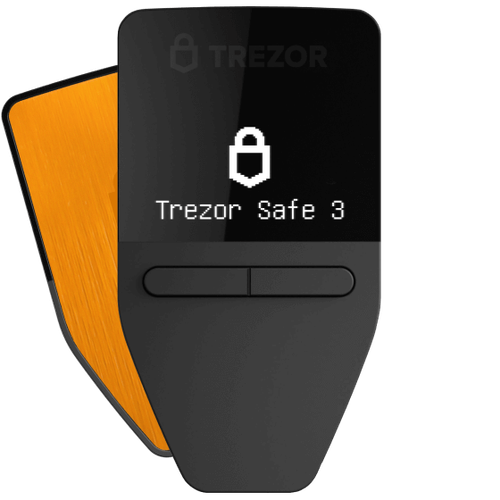
Trezor Safe 3
Overall: ★★★☆☆
|
Very beginner-friendly interface with clear guidance and prompts. | Firmware open | Optional* | Yes | No - USB only | Secure element | People who want UX clarity + open firmware | - | |
| 7 |
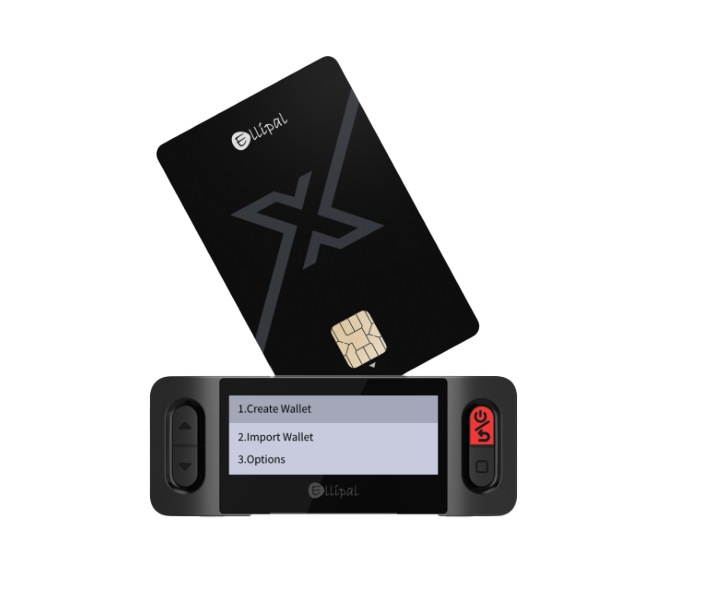
X Card
Overall: ★☆☆☆☆
|
Compact card-style approach, but workflow clarity depends on the app path used. | Closed stack | Partial* | Yes | Depends on workflow | Secure hardware | If you like compact “card-style” setups (verify signing method) | - | |
| 8 |
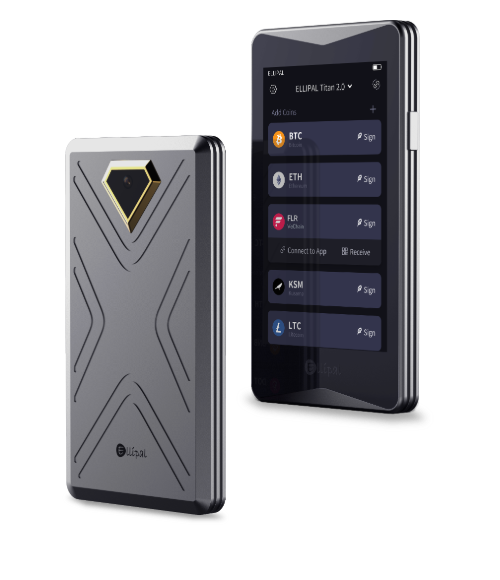
ELLIPAL Titan 2
Overall: ★☆☆☆☆
|
Simple touch flow with QR signing, though trust model is more closed. | Closed firmware | Partial* | Yes | Air-gapped QR | Secure element | Users who want air-gapped signing but can accept closed firmware | - | |
| 9 |
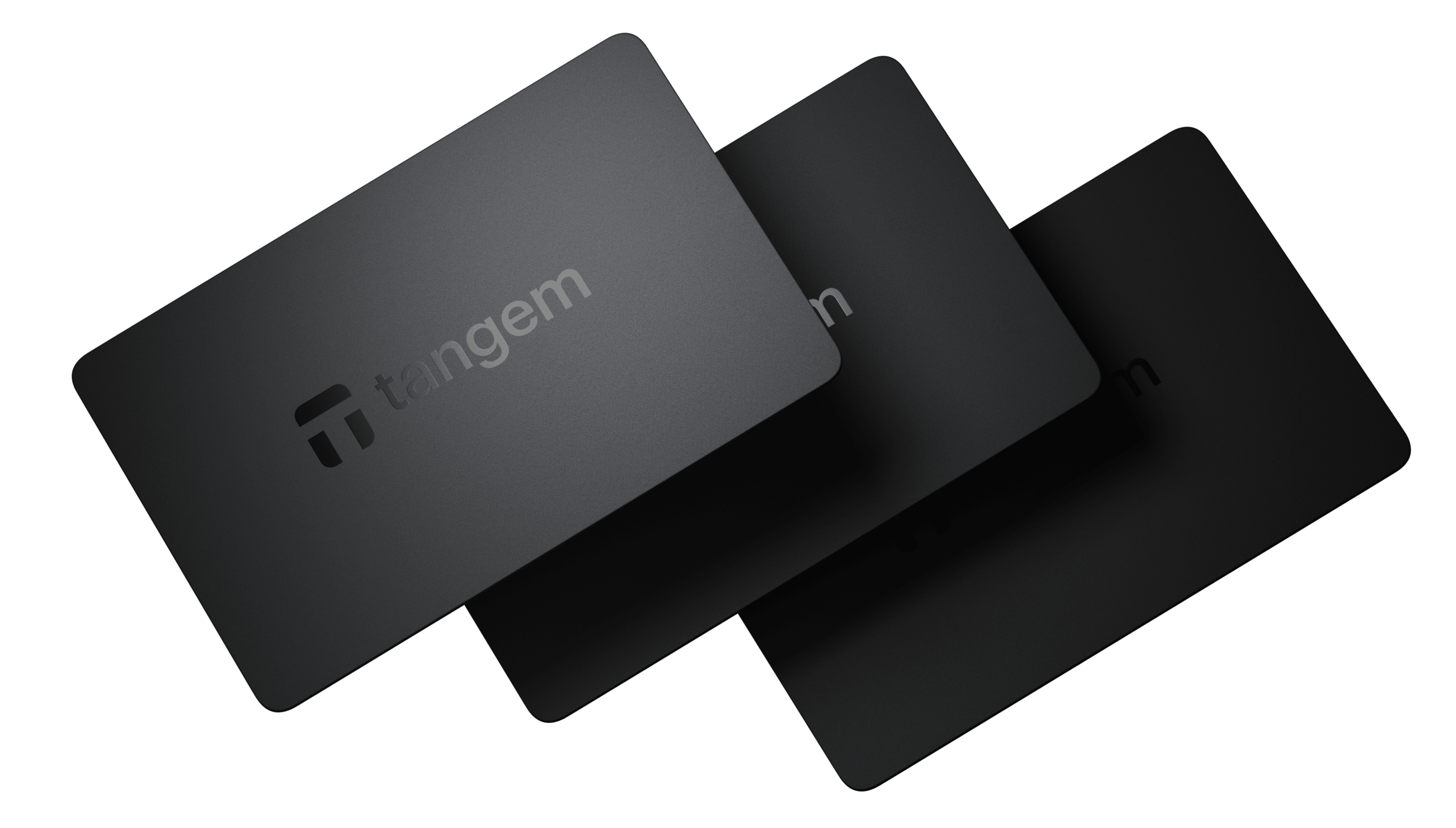
Tangem
Overall: ★☆☆☆☆
Video →
|
Very simple tap-to-use flow, but tightly app-dependent and not built for privacy-focused Bitcoin usage. | Closed firmware + app-dependent | No (multi-asset focus) | Yes, but creation method is insecure | No true air-gap; NFC app flow | Secure element | Short-term convenience users, not ideal for serious long-term Bitcoin cold storage |
Question? or want to hear what I think about a specific Hardware wallet
How to read this
- ★ stars now represent overall wallet ranking, not UI/UX alone.
- Open source usually means firmware you can audit; hardware itself may still use proprietary parts.
- BIP39 is the 12/24-word standard almost every wallet supports; the important differentiator is often optional passphrase (sometimes called “25th word”).
- Air-gap / PSBT: whether you can keep keys off USB by signing transactions via QR or file.
- My thoughts: write-up plus a YouTube link when I have one (playlist or single video); otherwise the cell is blank for now.
Footnotes
* Optional Bitcoin-only - the device or companion app may support other assets; you can still restrict usage to Bitcoin-only workflows.
These rankings emphasize Bitcoin-focused security properties (firmware transparency and signing isolation) more than raw “spec-sheet” features. If a column says “depends” or “partial”, that means the experience changes with your chosen signing workflow.